ADD-ON FEATURE
OTOBO Service Catalog
One portal. All services. For IT and beyond.

The OTOBO Service Catalog is an organized, searchable digital overview of all services provided by IT and other departments. It allows you to offer employees and customers productivity-enhancing services around the clock – and helps you streamline service delivery across the organization.
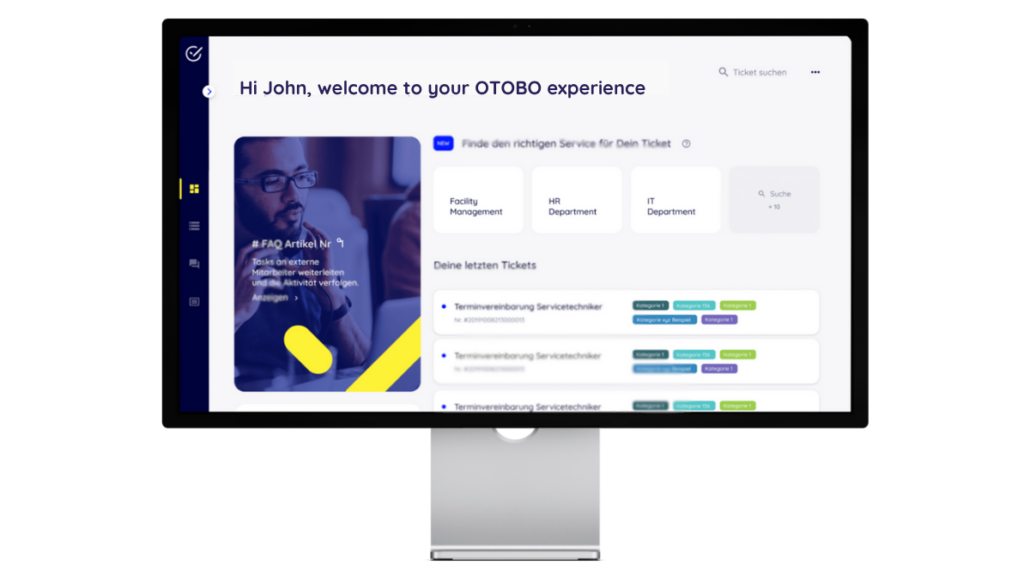
SERVICE CATALOG
Give employees and customers convenient access to the service catalog via the self-service portal, while streamlining service delivery through automation.
Your central, user-friendly self-service portal gives employees and customers quick access to a structured service catalog. Whether it’s IT support, customer service, onboarding, or facility management – all enterprise services are clearly listed, well organized, and easy to find.
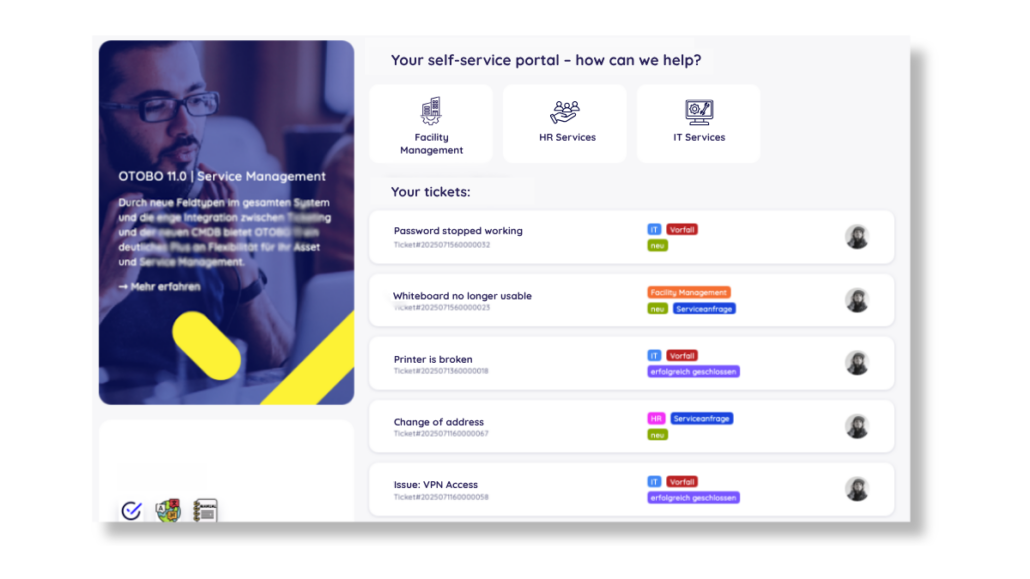
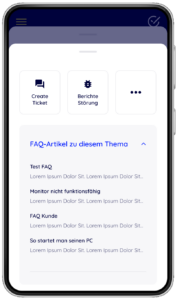
The OTOBO Service Catalog is also available on mobile devices for both employees and customers. They can create incident reports and service requests directly on site using their smartphones or tablets, and track the progress of existing requests at any time. Approval workflows for service requests can also be handled easily and conveniently by managers on the go.
With the OTOBO Service Catalog, you can automate service portal workflows by defining events, schedules, external triggers, conditions, and rules – whether it’s multi-level approval processes, managing purchase orders, or handling goods receipt.
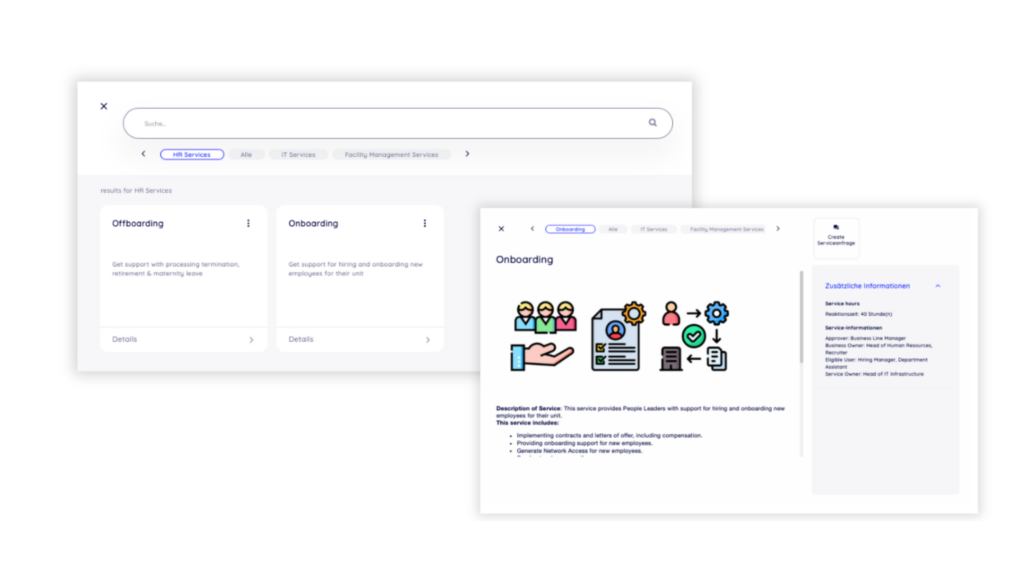
Categorize services
In the OTOBO Service Catalog, you organize all IT and non-IT services into logical categories and subcategories to simplify navigation and search.
Describe services in detail
Each service includes a detailed description covering its features, functions, availability, requirements, and any associated costs. In OTOBO, you can also add a meaningful image to visually support the service description.
Create and manage services centrally
In OTOBO, you create services in a single step – including categories, dynamic fields, and rules. ACLs and visibility settings are applied automatically. Once set up, all key details like name, SLA, responsibilities, and usage are available in one central place – so you always stay in control.
Define access permissions for services
Users can request services directly from the OTOBO Service Catalog, optionally selecting specific options or providing additional information.
Whether employees or customers can see a service is controlled granularly via Access Control Lists (ACLs) and permissions. This allows even complex service catalogs to be mapped in a multi-tenant environment – without overwhelming users.
Ensure proper authorization
For selected services, approval workflows can be added to make sure requests are validated before execution. If the responsible manager is identified via Active Directory, OTOBO can automatically involve them in the approval step.
Efficient search and filter functions
Quickly find the right service – even in large catalogs – to boost productivity.
Communicate service disruptions
Inform employees and customers about limited service availability to help reduce ticket volume. Use the self-service portal to publish critical outages as a news ticker or info tile.
Affected users stay informed and up to date on progress – relieving the workload on your service team.
Service level monitoring
Define SLAs with response, resolution, and escalation times. OTOBO monitors them automatically and alerts your team when thresholds are reached – ensuring transparency, reliability, and satisfied users.
Version 11.0.6 | November 2025
Version 11.0.4 | Juni 2025
Streamlined effort. Maximum transparency.
Unified Ticket Screens:
Customizations from the Service Catalog and ITSMIncidentProblemManagement masks have been merged into ITSMCore. This ensures full compatibility between the modules.
Centralized Priority Calculation:
The CIP matrix (Impact & Criticality) is now integrated into ITSMCore.
→ Configure via: ITSM::Frontend::CIPAllocationDefault ###PriorityByCIP
→ Optional: Events from the Service Catalog can still be used as an alternative.
More Clarity in the Ticket View:
With ITSMCore installed, AgentTicketZoom now automatically displays additional information on Service Incident State and Service Criticality.
Alongside the update of the Service Catalog (11.0.4), updated versions of ITSMCore (11.0.6) and ITSMIncidentProblemManagement (11.0.2) were also released. The most important change concerns the internal handling of ticket data.
Service Catalog and IncidentProblemManagement can now be installed in parallel.
Important for the Update:
➞ Technical details and installation instructions are available in the documentation.
What are your goals? Where do you currently stand? Which requirements matter most to you?
We listen, think along with you – and support you with practical, real-world solutions.
Together, we’ll find the path that suits you best: tailored, solution-focused, and achievable.

 OTOBO is becoming AI-powered: beta launch